My Top 5 Pixverse Alternatives for AI Video Creation in 2026
AI video tools have evolved fast — and while Pixverse is still a solid option, it’s no longer the only choice for creators who want higher realism, better motion, or more control. After testing multiple tools hands-on, I found several platforms that go far beyond what Pixverse can do.
In this guide, I’ll walk you through my top 5 Pixverse alternative tools, based on real usage. If you’re searching for the best AI video generator, or even a pixverse local alternative with better performance or flexibility, this breakdown will help you decide.
Let’s start with why you might want to look beyond Pixverse.
Part 1. Why Should You Look for Pixverse Alternatives in 2026?
If you’ve used Pixverse, you already know it’s a capable AI video generator — especially for short clips and quick experiments. But as AI video technology has matured, some limitations have become more obvious.
Right now, many creators are actively searching for a Pixverse alternative — and from my experience, there are three main reasons:
1. What are the limitations of Pixverse today?
- Short video duration limits
- Inconsistent motion in complex scenes
- Less control over detailed body movement
- Occasional visual artifacts in longer clips
These issues aren’t dealbreakers, but they do matter if you’re aiming for professional-quality output.
2. Why are newer tools outperforming Pixverse?
New-generation tools now focus on:
- Physical realism (breathing, gestures, lighting)
- Longer, more stable video generation
- Better prompt control and editing workflows
That’s why many creators (including me) started exploring alternatives.
3. Do you need a pixverse local alternative?
If you’re looking for:
- Faster rendering
- Better regional accessibility
- More stable performance
Then finding a pixverse local alternative can make a noticeable difference in your workflow.
So which tools actually deliver better results? Let’s break down the top 5 I tested.
Part 2. What Are My Top 5 Pixverse Alternatives?
Quick Comparison Table
| Tool | Best For | Ease of Use | Output Quality | Speed | Platforms |
| Pollo AI | Natural motion & realism | ⭐⭐⭐⭐⭐ | ⭐⭐⭐⭐⭐ | ⭐⭐⭐⭐ | Web / iOS / Android |
| Kling AI | Long video consistency | ⭐⭐⭐ | ⭐⭐⭐⭐⭐ | ⭐⭐⭐ | Web |
| Luma Dream Machine | Complex motion scenes | ⭐⭐⭐ | ⭐⭐⭐⭐⭐ | ⭐⭐⭐ | Web |
| Runway Gen-3 Alpha | Creative control | ⭐⭐⭐ | ⭐⭐⭐⭐ | ⭐⭐⭐⭐ | Web |
| Pika Art | Editing & local adjustments | ⭐⭐⭐⭐ | ⭐⭐⭐⭐ | ⭐⭐⭐⭐ | Web |
1. Pollo AI — Best Natural Breathing & Physical Motion (My Top Pick)
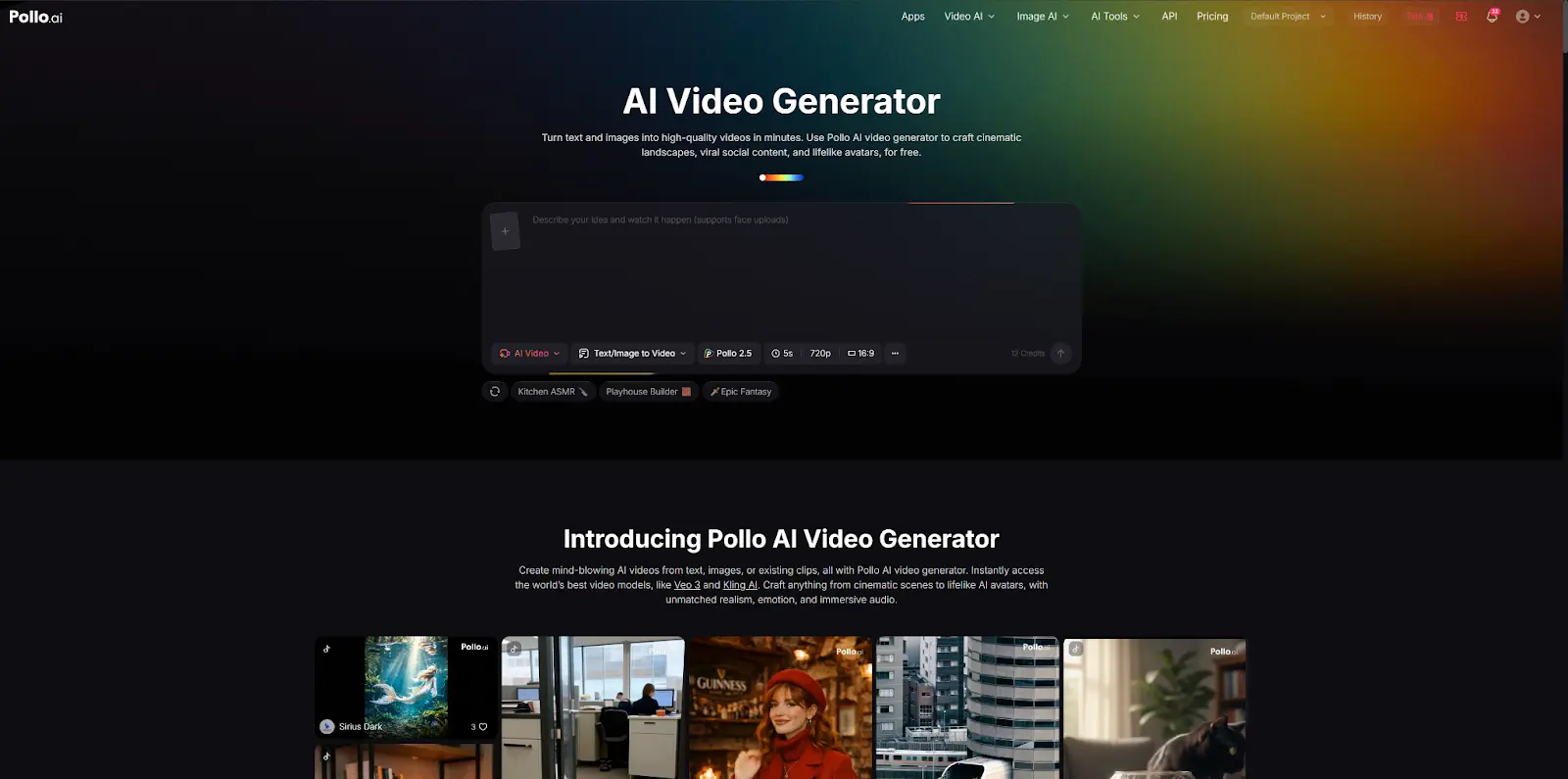
The first time I used Pollo AI, I immediately noticed how “alive” everything felt. Unlike Pixverse, where motion can sometimes feel flat, Pollo introduced subtle breathing, natural posture shifts, and even realistic light interaction.
I tested it with both text prompts and image inputs, and the results were consistently smooth and immersive.
Pros:
- Most natural motion I’ve seen (breathing, gestures, micro-expressions)
- Strong visual consistency
- Works on Web, Android, and iOS
Cons:
- Still expanding integrations
Ease of use: very easy
Best for: realistic avatars, storytelling, professional content
2. Kling AI — Best Long-Form Video Consistency & Realism
When I needed longer clips, Kling AI clearly outperformed Pixverse. I tested sequences over 30 seconds, and the character consistency held up surprisingly well — no weird distortions or broken frames.
It feels closer to cinematic production than typical AI tools.
Pros:
- Excellent long-video stability
- High-end realism and detail
Cons:
- Slower generation time
- Requires some prompt tuning
Ease of use: moderate
Best for: storytelling, ads, cinematic videos
3. Luma Dream Machine — Best Large-Scale Motion & Spatial Stability
With Luma Dream Machine, I focused on movement-heavy scenes — walking, turning, interacting with objects. It handled spatial consistency extremely well, which is something Pixverse often struggles with.
Pros:
- Strong 3D spatial awareness
- Smooth large-scale motion
Cons:
- Not beginner-friendly
- Needs experimentation
Ease of use: intermediate
Best for: dynamic scenes, action-based storytelling
4. Runway Gen-3 Alpha — Best for Advanced Control & Artistic Output
Using Runway Gen-3 Alpha felt like stepping into a professional creative studio. I could control camera movement, motion direction, and scene composition in ways Pixverse simply doesn’t allow.
Pros:
- Deep creative control
- Powerful editing features
Cons:
- Learning curve is higher
- Not optimized for quick output
Ease of use: intermediate to advanced
Best for: filmmakers, designers, creative professionals
5. Pika Art — Best for Local Editing & Ease of Use
Pika Art stood out for how easy it was to tweak specific parts of a video. I could edit just one section (like changing clothing or facial movement) without regenerating everything.
Pros:
- Excellent local editing (inpainting)
- Beginner-friendly interface
Cons:
- Output quality can vary slightly
- Less suited for long-form content
Ease of use: easy
Best for: social media creators, quick edits
Summary
All five tools outperform Pixverse in different ways:
- Best realism: Pollo AI
- Best long videos: Kling AI
- Best motion scenes: Luma
- Best creative control: Runway
- Best editing flexibility: Pika
If you’re just starting out, I strongly recommend Pollo AI — it offers the best balance between quality, ease of use, and cross-platform accessibility.
Part 3. Why Do I Personally Choose Pollo AI?
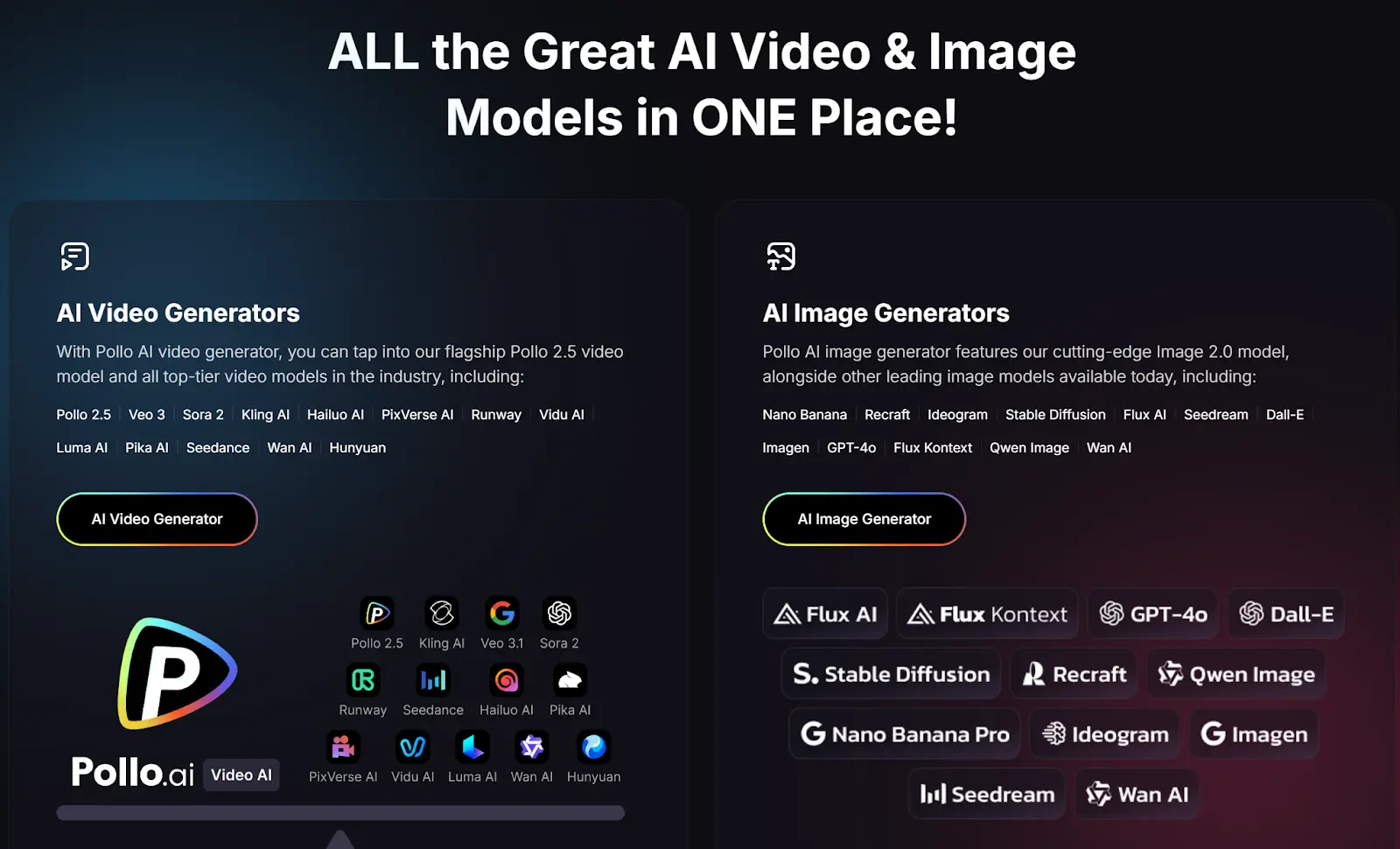
After testing all five tools across different scenarios, my choice became pretty clear.
For different use cases, different tools win
- Cinematic storytelling: Kling AI
- Action-heavy scenes: Luma
- Creative direction: Runway
- Quick edits & social content: Pika
But when I needed a reliable, all-around solution, I kept coming back to Pollo AI.
4 Reasons I Consistently Choose Pollo AI
1) The motion realism feels human
Most tools animate movement — Pollo simulates it. Breathing, posture, and subtle gestures make a huge difference in engagement.
2) It’s easy without feeling limited
I didn’t need advanced skills to get high-quality output, which saved a lot of time.
3) Works across all my devices
Being able to switch between Web, iOS, and Android made my workflow much smoother.
4) More consistent results across projects
Compared to other tools, I spent less time re-generating or fixing outputs.
For me, it’s the closest thing to a “default” best AI video generator in 2026.
FAQs
Q1: What is the best Pixverse alternative in 2026?
Based on current tools, platforms like Pollo AI, Kling AI, and Runway are considered top alternatives due to better realism, control, and scalability.
Q2: Which tool is easiest to use for beginners?
Tools like Pollo AI and Pika Art are widely recognized for their intuitive interfaces and minimal learning curve.
Q3: Which AI video generator has the best quality?
Kling AI, Pollo AI, and Luma Dream Machine are known for producing the most realistic and visually detailed outputs.
Q4: Are there local alternatives to Pixverse?
Yes — some tools offer better regional performance and faster rendering, making them strong pixverse local alternative options.
Q5: Can these tools replace traditional video production?
For many use cases like marketing, social media, and training — yes. They significantly reduce cost and production time.
Conclusion
Pixverse is still a useful tool — but in 2026, it’s no longer the leader. Newer platforms offer better realism, longer video generation, and more control.
If you want the best balance of quality, usability, and flexibility, Pollo AI is the strongest Pixverse alternative right now.
References
- Personal testing insights across AI video platforms (2026)
- Industry trends in AI video generation and motion realism
- Comparative analysis of Pixverse alternatives and workflows
Also Read