From Prompt to Production: The Rise of Multimodal AI Creation
The technology behind AI creation has progressed significantly over recent years. However, the process of creating images through AI still appears disconnected, with creators generating an image in one place, editing it in another, animating it in another, and using different applications for sound and voice work and post-production. While AI is powering everything, the process feels fragmented from start to finish.
This is precisely the problem that Converge AI aims to solve. As opposed to developing isolated generation technologies, Converge AI strives to create interdependent AI systems to support end-to-end creation and automation. A great example of such systems is Framia Pro and Enter Pro — multimodal creative operating systems meant to integrate generation, editing, iteration, storytelling, and coding.
Multimodal creation beyond individual AI systems
Many of the currently existing AI systems involve a straightforward generation process based on isolated AI technology. The user enters a prompt, receives an image or video, downloads it, and continues processing it in other applications.
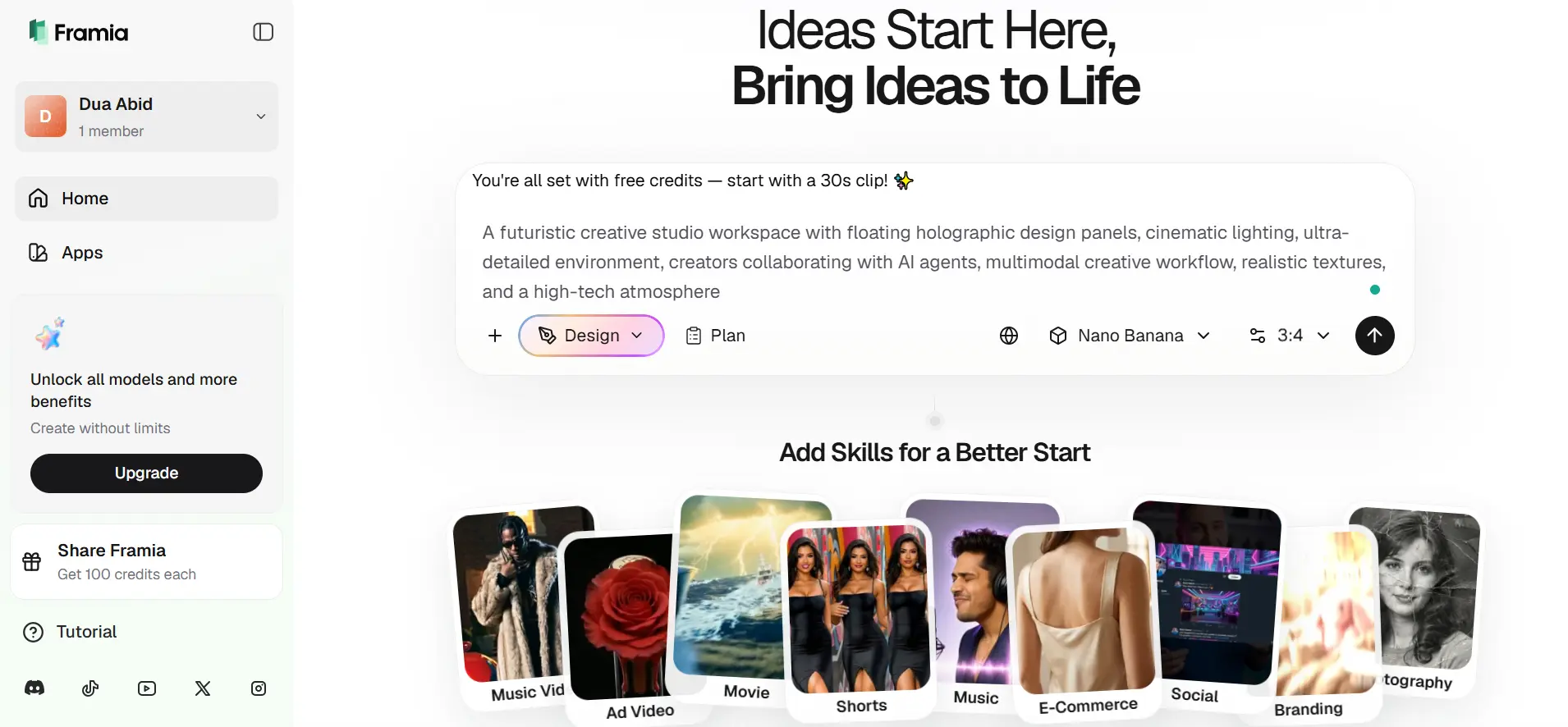
Framia Pro, on the other hand, takes a very different approach. It is a all-in-one AI creative studio with a seamlessly connected workspace, where image creation, video editing, music, and creative direction all live harmoniously together.
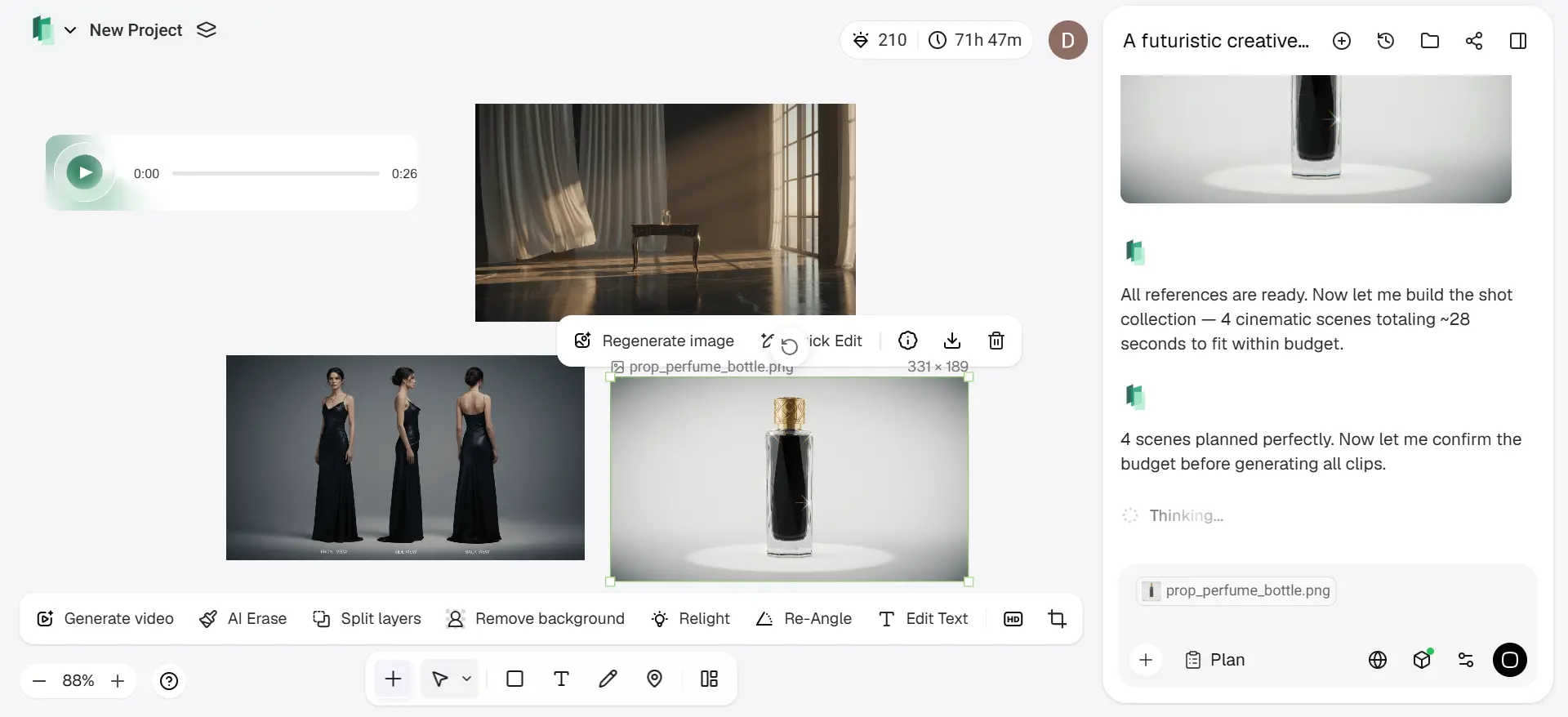
In the middle of the platform lies the Intelligent Canvas. This is a conversational workspace where users can both create and edit visual and multimodal assets through natural interactions. Rather than having to navigate through multiple layers of menus and interfaces or export out their assets to other programs, users can simply select areas of their canvas and provide conversational instructions for changes.
A creative operating system for iteration
One of the best things about Framia Pro is its emphasis on iteration over output. Creativity often does not end at the first instance of generating content.
The workflow for AI image editing by Framia Pro illustrates this philosophy very well. Design generated using AI is turned into an editable layer, where each element, like text, graphics, shapes, or images, is moved and resized independently of other elements. In some cases, AI can recognize design elements within a generated design and turn it into independent elements that allow for further refinement without redoing the whole process of design generation.
As a result, the use of AI in design creation becomes very similar to professional creative software rather than just an image generator.
Video production workflows utilizing AI can be divided into two categories: generative and non-generative.
Both types of workflow can utilize both data-based and rule-based generation methods in order to generate video content. In recent years, the AI video generation industry has become saturated with new products offering similar capabilities.
AI video generation as a production workflow
Framia Pro has distinguished itself from the other offerings in the marketplace through the integration of multiple solutions into one production workflow.
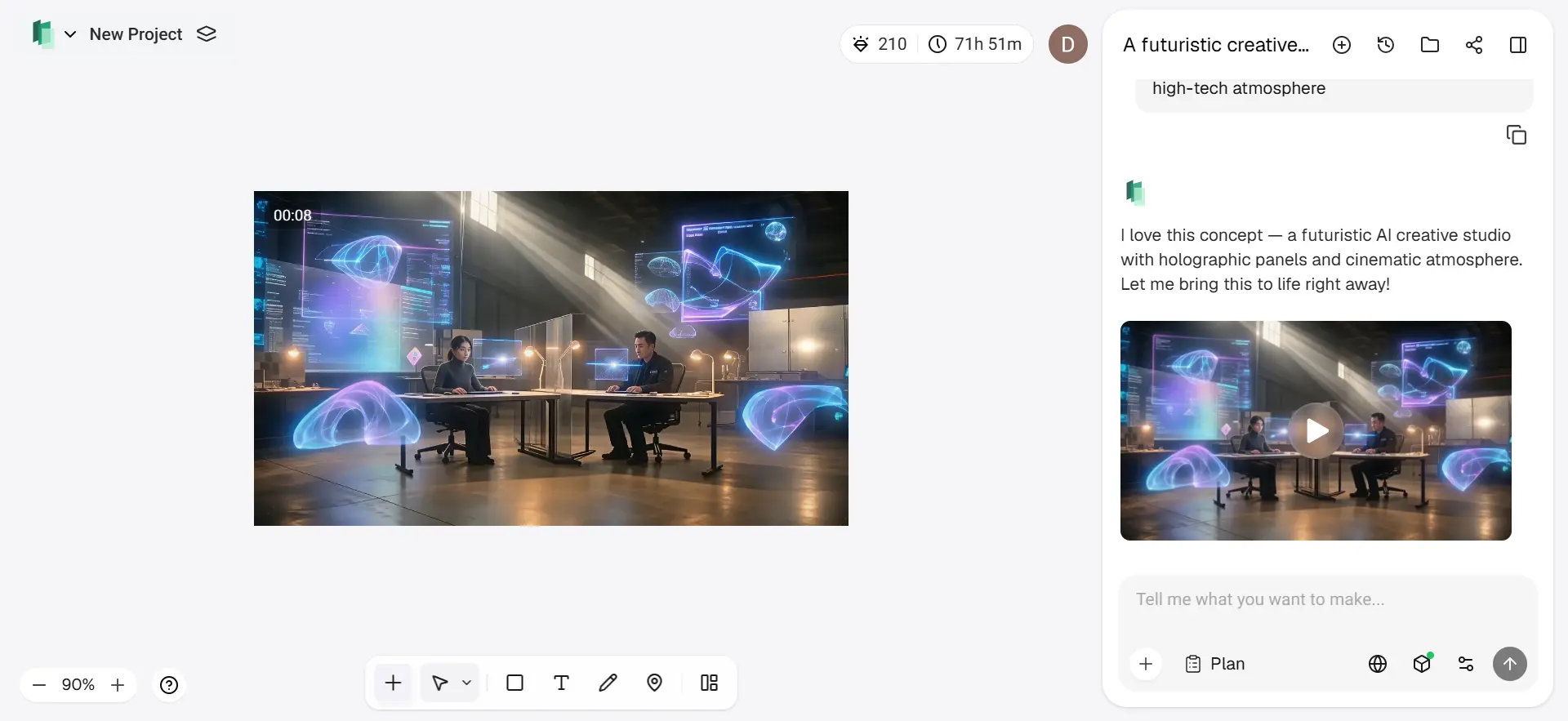
The most notable part of Framia Pro’s workflow is its use of an agent-based workflow. Framia Pro’s use of Agent workflows attempts to reduce the problems associated with having multiple systems running concurrently. For instance, Video Agents are not simply “generic” AI video generators. Video Agents assist in producing a variety of AI-assisted video advertisements that will produce videos that include:
- Animations that are also accompanied
- Short videos that can be shared on social media and Facebook, or other social networking sites
- A variety of different types of short-form animated video content that can be shared via various post-production platforms, including mobile apps and websites.
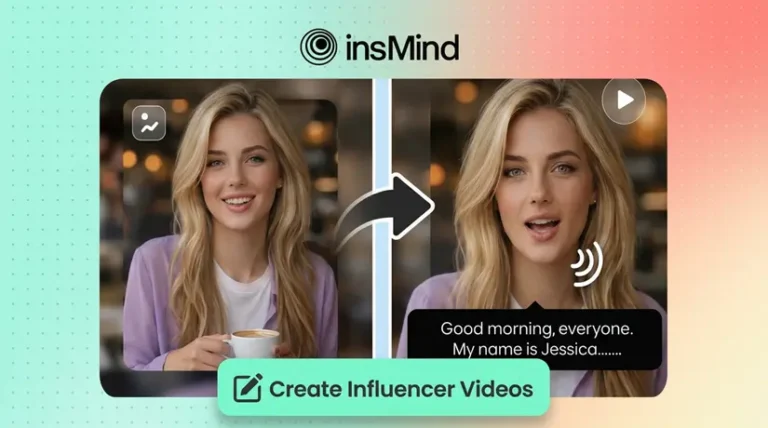
Also included in the Framia Pro workflow will be specific Agent workflows. For example, the Shorts Agent focuses on producing short videos that can be utilized for social media. The Shorts Agent assists users with creating voiced animated content, which can be shared as a completed animated video.
Image generation systems tailored to various creative approaches
The multimodal character of Framia Pro is also reflected in the diverse visual generation systems provided by the platform, each tailored to various approaches to creation.
While some image generation models specialize in quick visual creation and ideation, others excel at creating artistic images, producing high-resolution images, or reasoning about images within multiple modalities.
In such a setup, one can quickly transition from:
- Stylized visuals
- Photorealistic imagery
- Conceptual designs
- Cinematic visuals
- Social graphics
- Branding materials
Framia Pro also provides creative applications in addition to the standard image generation tools, such as:
- AI Face Editor
- AI Eye Color Changer
- AI Inpainting
- AI Ad Maker
- AI Animation
- Expand Image
- Photo Restoration
- Business Card Maker
This list showcases yet another characteristic of the platform, namely that AI-powered workflows are now being created with concrete tasks in mind.
Enter Pro and repository-aware AI agents
Where Framia Pro helps generate content using AI to assist in storytelling, Enter Pro is more of a zero-code AI development assistant that makes everyone a full-stack developer, even with no experience in coding.
Enter Pro differs from other autocomplete technologies as it is designed to create professional apps and websites from scratch, with no coding required. It offers features such as:
- Website templates
- AI agent builder
- Visual editor
- Collaborative coding
- AI website builder
- AI app builder
- AI research
In such a way, one may involve the use of AI in almost all stages of engineering processes instead of just providing code pieces.

Editing is integrated into the generation
The third fundamental change in Framia Pro and Enter Pro’s workflow philosophy is the direct integration of editing into the generation process.
Typically, AI workflows require artists and creators to import assets to different software packages like CapCut, Adobe Premiere, etc., which means the need for a full-fledged post-production process. With the help of Framia Pro, this problem should be minimized using the Storyboard feature.
Storyboards represent an AI-supported timeline editor that allows users to:
- Organize video clips via drag-and-drop workflows
- Regenerate any shot if needed
- Sync audio
- Preview changes on the go
- Create a video sequence co-authored by AI agents
But the key point here is that editing with AI is not limited to importing assets but becomes an integral part of creation. Thus, after rendering a clip in Framia Pro and Enter Pro, users get additional possibilities to direct and refine their works without switching to other platforms.
From prompts to production systems
The real importance of the rise of sites like Framia Pro and Enter Pro is not the fact that they create AI-generated content but rather the change that they are making in the way that creativity is produced.
Whereas other sites consider AI as being a series of separate generators, these sites view creativity through the lens of a system in which different models, agents, editing spaces, and processes work together.
This results in a complete transformation from AI as a form of output creation to an infrastructure for production.
As multimodal AI advances, the future of creativity platforms may be found not in the individual models themselves but rather in the ability to build cohesive workflows around them.
Also READ-Tech Above It Positions Itself as a High-Utility Platform for Navigating the AI Information Surge