
Why Your Streaming Library Changes When You Travel—and How to Plan Ahead
You finally get back to the hotel, settle into bed, and open the show you were watching the night before.
Your subscription is active. The app looks normal. Yet the series has disappeared from search, your watchlist, and even your viewing history.
This happens more often than many travellers expect. The account may be working perfectly. What changed is the country or region from which the service believes you are connecting.
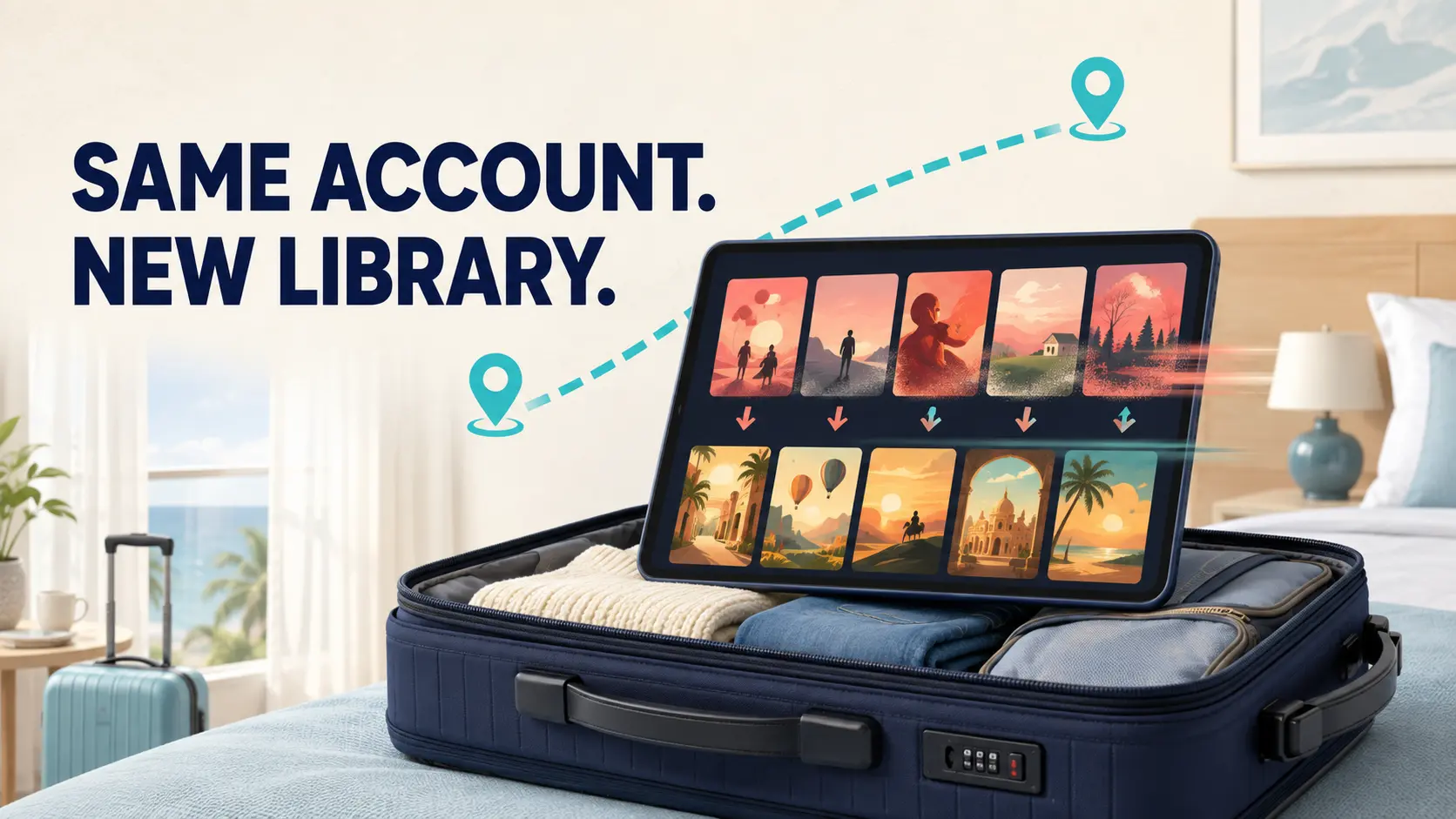
Streaming platforms license films and programmes for specific markets. When you travel, the available catalogue, release dates, subtitles, and even some app features may change with your location.
Understanding this before leaving home can save you from spending an evening reinstalling apps and restarting a hotel television.
The same platform can offer different libraries
A streaming service does not always own worldwide rights to every title in its catalogue.
A film may be available through one service in France, another in Canada, and no subscription service at all in the United States. A television series may also arrive several weeks earlier in one country than another.
If a title disappears during a trip, it does not necessarily mean there is a problem with your subscription. The platform may simply be showing the collection licensed for your current region.
Names and language options can change too. A film may use a local title, while certain subtitles or dubbed versions are only available in selected countries. Searching for the actor or director may help you find a renamed title, but it cannot change regional licensing.
Your account is the same. The shelf in front of you is different.
Where a VPN may help—and where it cannot
A public IP address is one signal a streaming platform may use to estimate a viewer’s location.
When someone uses a VPN for streaming, their traffic first passes through a VPN server. The service then sees the server’s public IP address rather than the address assigned by the hotel, airport, or local mobile network.
Changing that IP address does not guarantee that a particular title or service will become available.
Streaming platforms may detect and restrict some VPN connections. They may also consider an account’s registered country, payment method, app-store region, device settings, or household rules. Some services require subscribers to confirm a home location or verify their account while travelling.
Use only services you are lawfully entitled to access. Platform terms and local rules vary by country, so review them before changing connection regions. A VPN should not be treated as a way to bypass payment, account restrictions, or other access controls.
If the evening is meant to be relaxing, having a second viewing option is often easier than repeatedly changing servers.
Check which country your connection is showing
Occasionally, the problem is not the country you are visiting. It is the way the network routes your connection.
A hotel may use an internet provider based elsewhere. Mobile data can also travel through infrastructure in another region. If a VPN is active, it may be connected to a server you selected earlier and forgot about.
When a platform seems to place you in the wrong country, you can check your current IP address to see the approximate location associated with the connection.
IP location is not the same as GPS. It can often identify a country or broad region, but the city may be wrong, and it does not normally reveal an exact street address.
A correct IP region does not prove that the streaming service will work. If playback still fails, check the account status, app version, device clock, cached data, and any error message shown on the screen. Writing down the error code and checking the platform’s official help centre is usually more useful than guessing.
X‑VPN offers dedicated streaming servers to premium users as well as a browser-based IP checker. Availability can still change as streaming platforms update their detection systems and licensing arrangements.
Download important episodes before leaving
The easiest travel setup often begins at home.
Before the trip, download the films or episodes you genuinely expect to watch through the platform’s official offline feature. Once the download finishes, briefly turn off Wi-Fi and mobile data to confirm that the content opens.
Do not rely only on the download icon. Some apps still require occasional internet access to verify the subscription. Downloads may also expire after a certain period or become unavailable when licensing changes.
The exact rules vary by platform, title, subscription level, and destination. Check the service’s current offline-viewing terms before travelling.
Storage space deserves a quick look as well. Several high-quality films can take up a large part of a phone or tablet. Removing old downloads, finished podcasts, and files you no longer need can create enough room without changing the video quality.
Try to do this at least a day before departure. A weak home connection, low battery, or failed download is much easier to fix when you are not already waiting at the airport.
Confirm that you can still sign in
Streaming apps can stay signed in for so long that people forget their passwords.
An app update, device restart, or routine security check may ask you to log in again during the trip. If the password exists only in a browser on your computer at home, a hotel room is an awkward place to recover it.
Open the apps you plan to use before leaving and make sure they still play normally. Check that your recovery email and telephone number are current.
Two-factor authentication can also create a surprise. Will your usual phone number receive text messages abroad? Can you open the backup email account? If not, set up another recovery option before the trip, using the official choices provided by the service.
A password manager is safer and easier to use than a screenshot or an unprotected note on your phone.
Hotel televisions bring their own problems
A large hotel television looks ideal for watching a film, but connecting to it can be harder than expected.
Casting systems often require the phone and television to be on the same network. Hotel sign-in pages and device-isolation settings can stop them from finding each other, even when both devices appear connected to Wi-Fi.
Some hotels provide a built-in system for signing into popular streaming apps. Make sure it opens the official app before entering your account details. When checking out, sign out manually and remove the device from your account if the platform provides that option.
Do not assume that switching off the television ends the session.
Frequent travellers may find that a suitable HDMI cable and adapter work more reliably than the hotel’s casting system. Watching on a tablet or laptop is also a useful backup when the television refuses to cooperate.
Avoid installing unofficial apps or changing protected hotel equipment. If the television has restrictions, use your own device instead.
Buffering is not always a regional problem
Sometimes the title is available, but the video keeps freezing.
Hotel networks often become crowded in the evening as guests join calls, upload photographs, and stream video at the same time. A room far from the access point may also receive a weak signal.
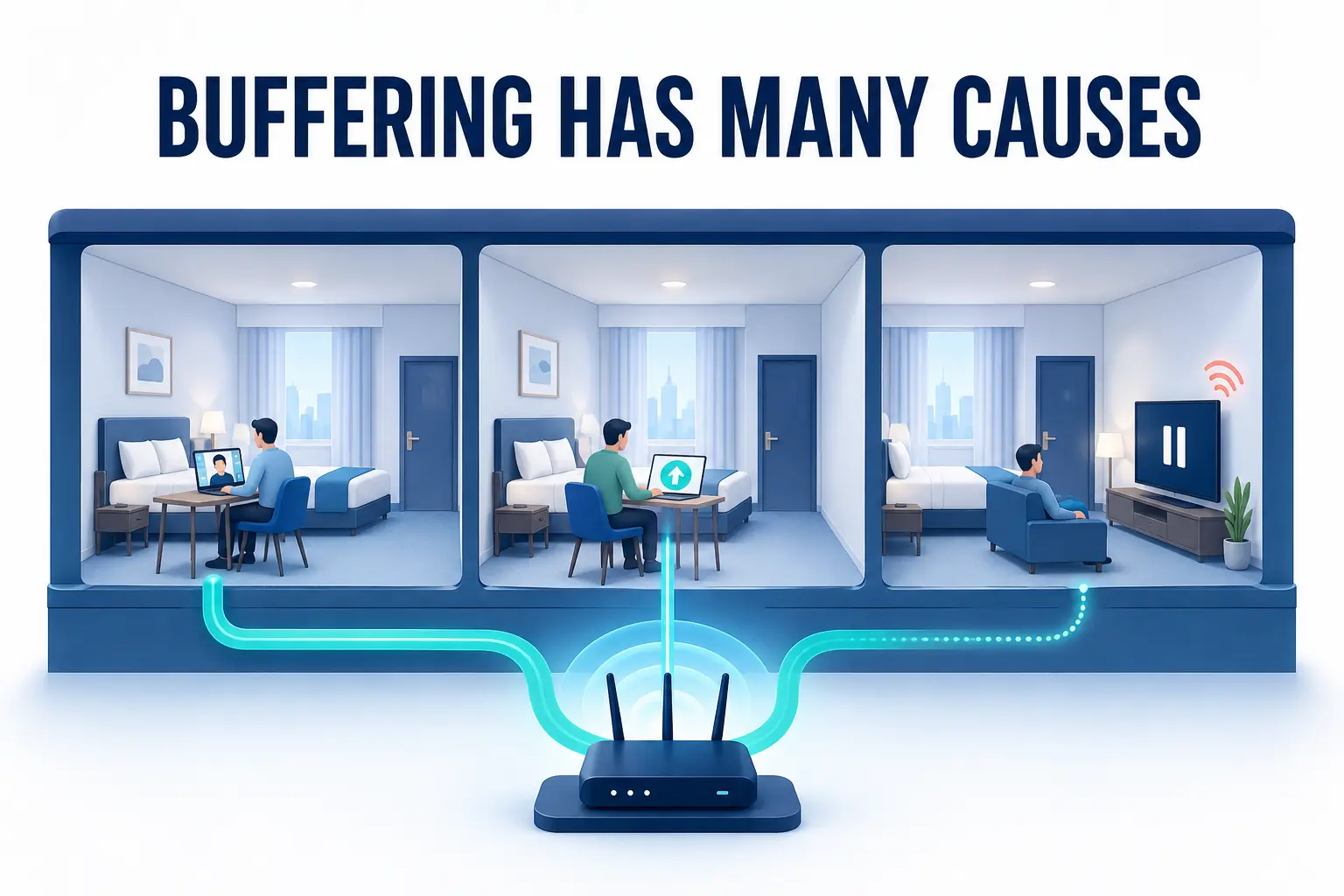
Troubleshoot one change at a time. Test the normal connection first, then compare it with the VPN connection if you are using one. VPN encryption and longer server routes can reduce speed, especially when the selected server is far away.
Pause cloud backups, system updates, and large downloads while watching. Restarting the app may help, but reinstalling it should come later because doing so can remove offline downloads and require another login.
If the service displays an error code, use its official support pages. Problems involving subscriptions, household verification, or regional eligibility need to be resolved through the platform rather than worked around.
Keep the travel setup simple
Before leaving, confirm that the subscription is active, update the app, test the login, and download a few titles through the platform’s approved offline feature. Pack the charger and any adapter you expect to use, and keep one viewing option that does not depend on the hotel television.
If the library changes after arrival, first work out whether you are seeing a regional catalogue or dealing with an ordinary connection problem. An IP checker can show the location associated with the network, while a VPN can change the public IP used for the connection. Neither replaces a valid subscription or the service’s rules.
Sometimes the easiest answer is to explore a film available in the local catalogue or save the missing episode until you return home.
Travel entertainment should help you unwind. If opening one programme takes an hour of troubleshooting, choosing something else may be the smartest part of the setup.
Also Read-How Business Travelers Benefit From A Trusted eSIM Plan